Digital Skills & Computer Applications Training Session
Activity TypeTraining Programme
DepartmentDepartment of Medical Lab Science
NAAC CategoryCriterion 5
SDGSDG -4
Accreditation ActivityNAAC
IQAC ReferenceSCP/AHS-I/ 069(B)
VenueComputer lab, Block E
CoordinatorMs Jaspinder Kaur
Participants70
Description
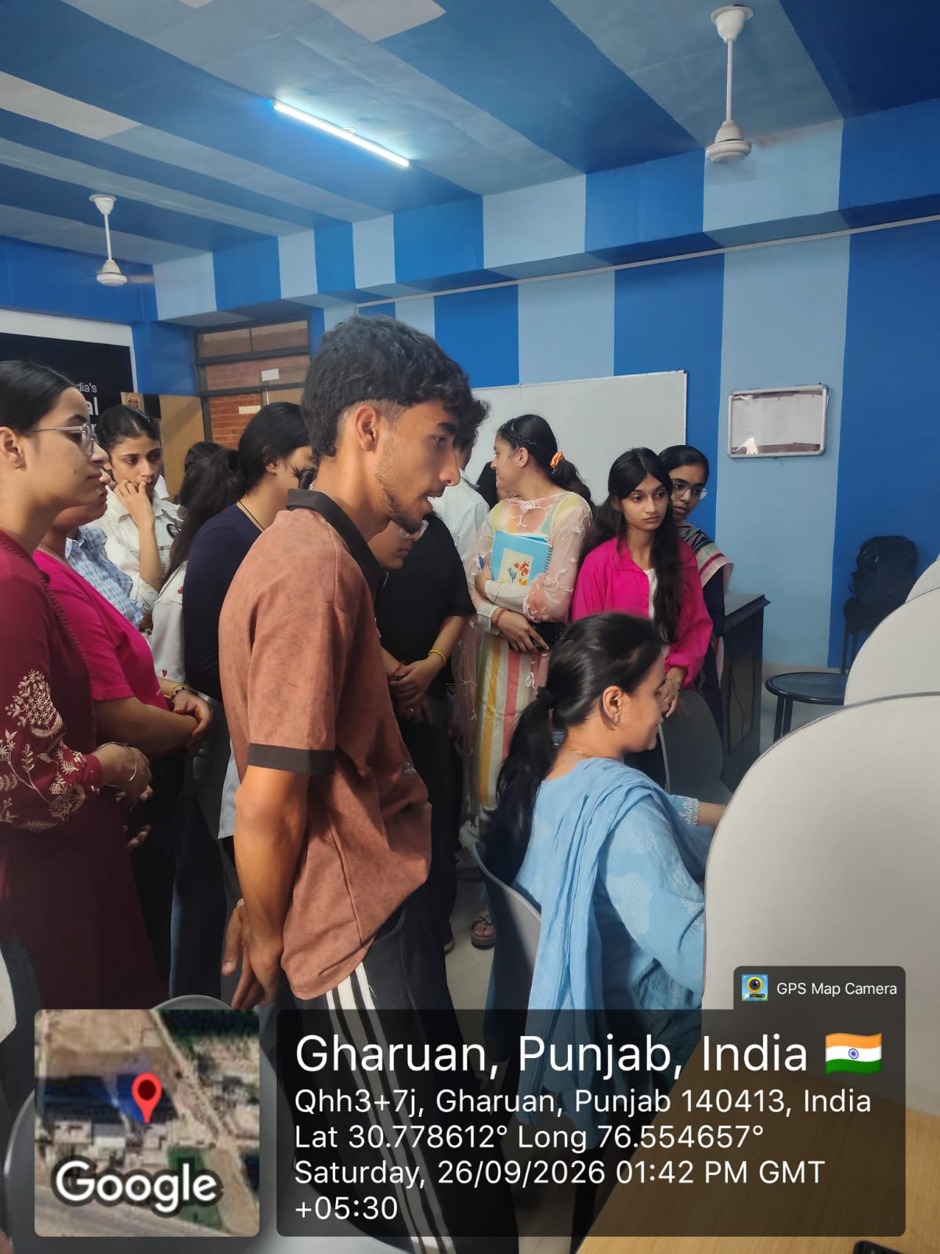
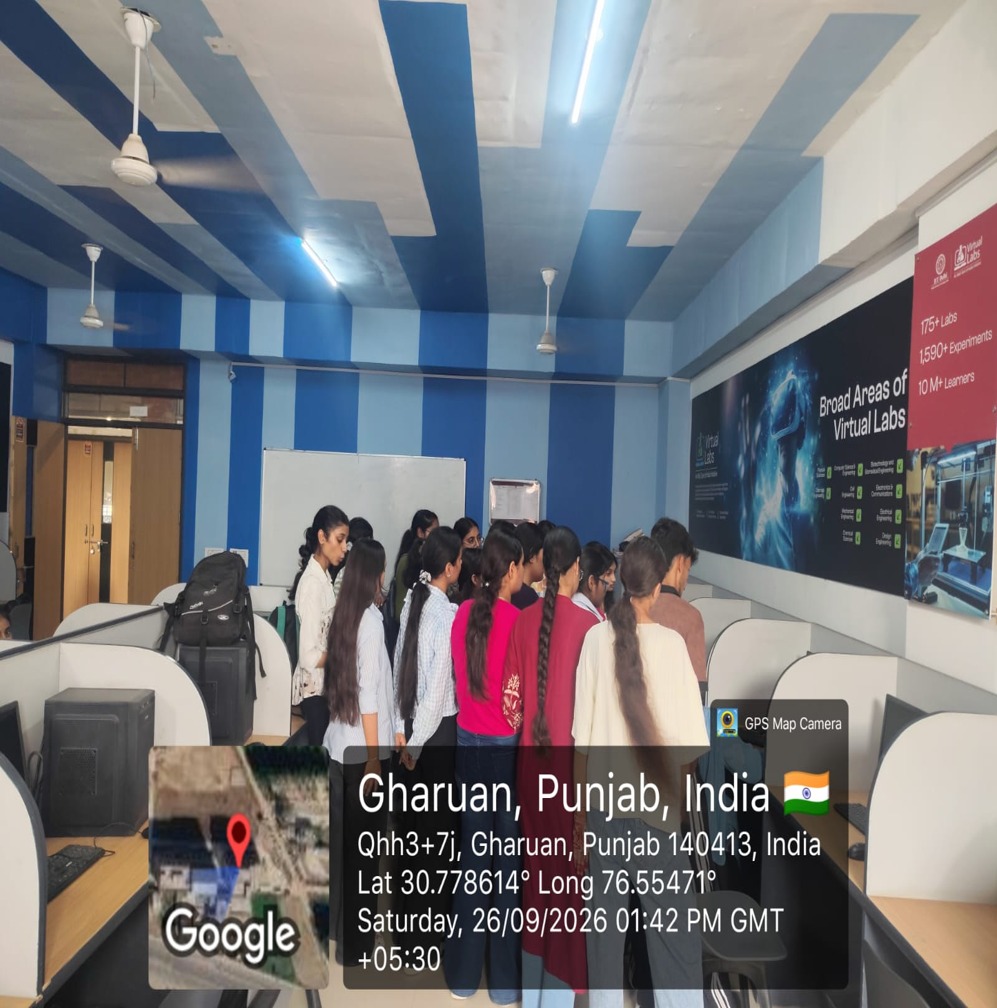
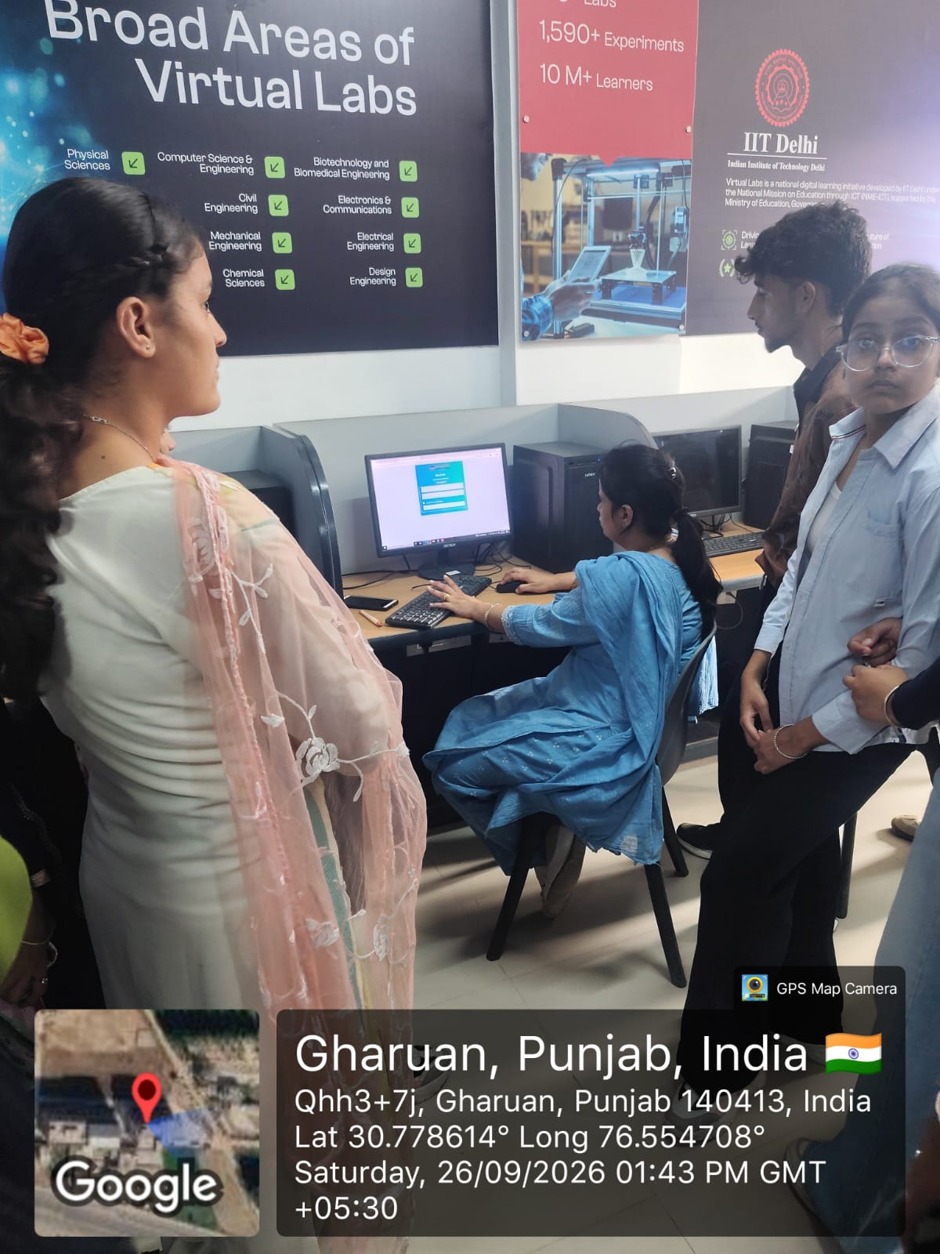
The Allied Health Sciences Division I, Department of Medical Laboratory Sciences, in collaboration with RIT, organized a “Computer Session” for MLS 1st Semester and RIT 1st Semester students on 26 September 2026 from 1:30 PM to 3:00 PM in the Computer Lab. The session was organized to develop students’ basic computer skills and familiarize them with commonly used digital applications for academic and professional activities.
The session commenced with an introduction to the importance of computer literacy in academic learning, documentation, data management, and presentation preparation. Students were provided with practical guidance on commonly used computer applications and input devices.
1. MS Word: Students were introduced to creating, editing, formatting, saving, and printing documents. The session focused on developing basic document preparation and formatting skills.
2. MS Excel: Students learned about data entry, worksheets, formatting, basic formulas and functions, and the creation of tables. Practical guidance helped students understand the use of spreadsheets for organizing and managing data.
3. MS PowerPoint: Students were introduced to creating presentations, inserting and formatting content, and using charts, transitions, and animations to prepare effective presentations.
4. Input Devices: Students were familiarized with commonly used input devices, including keyboard, mouse, scanner, digitizer, electronic card reader, voice recognition devices, and vision input devices. Their basic functions and applications were discussed.
Students actively participated in the session and gained practical exposure to essential computer applications. The interactive nature of the session encouraged students to develop confidence in using digital tools for assignments, academic presentations, data handling, and other educational activities.
The session was informative and skill-oriented, providing students with a basic foundation in computer applications and digital tools. It successfully enhanced students’ awareness and practical understanding of computer-based academic work.
Objectives
• To familiarize students with basic computer applications required for academic activities.
• To develop practical skills in MS Word, MS Excel, and MS PowerPoint.
• To provide students with basic knowledge of document creation, formatting, data handling, and presentation preparation.
• To introduce students to basic Excel formulas, functions, worksheets, and tables.
• To familiarize students with commonly used computer input devices and their applications.
• To encourage effective use of digital tools for academic and professional purposes.
Outcomes
• Students gained basic knowledge of MS Word, MS Excel, and MS PowerPoint.
• Students developed an understanding of document creation, editing, formatting, and presentation preparation.
• Participants gained basic knowledge of data entry, worksheets, formulas, functions, and tables in MS Excel.
• Students became familiar with different computer input devices and their uses.
• Students gained confidence in using computer applications for academic activities.
• The session enhanced students’ awareness of the importance of digital skills in academic and professional development.
Gallery